00.Global_06.Navigation panel_g.Login profile
Navigation panel: login/profile
(edit this page on GitHub)
<< Navigation panel: search | Grid overview >>
<< Navigation panel: search | Grid overview >>
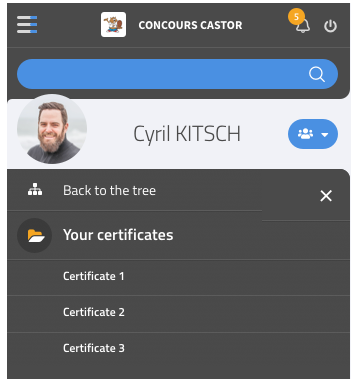
If the user is connected, his avatar and login are displayed. Contests may have an option for teachers to force the name to be displayed instead of the login.
Clicking on the user’s name or avatar opens his profile page. In the navigation panel, it shows the user’s certificates.
Clicking on the button in the top right corner opens the login-module, to disconnect the user.
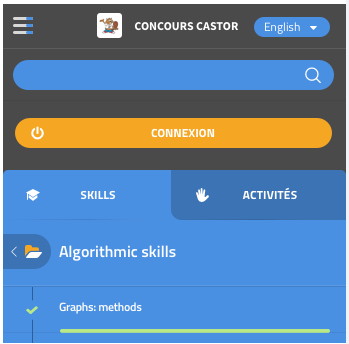
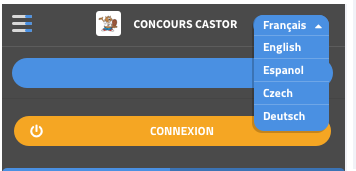
If the user is not connected, the text “Login” (Se connecter) is displayed. Clicking on it opens the login module, where the user may login or create an account. In the top-right corner, a language selection drop-down is displayed.